AI automation & integration

AI automation built around your business.

Turn incoming requests into drafts, answers and updates across your tools, with human review where it matters.

VTS Labs designs and builds agents, assistants and automation with clear permissions, evaluation before rollout and practical handover.

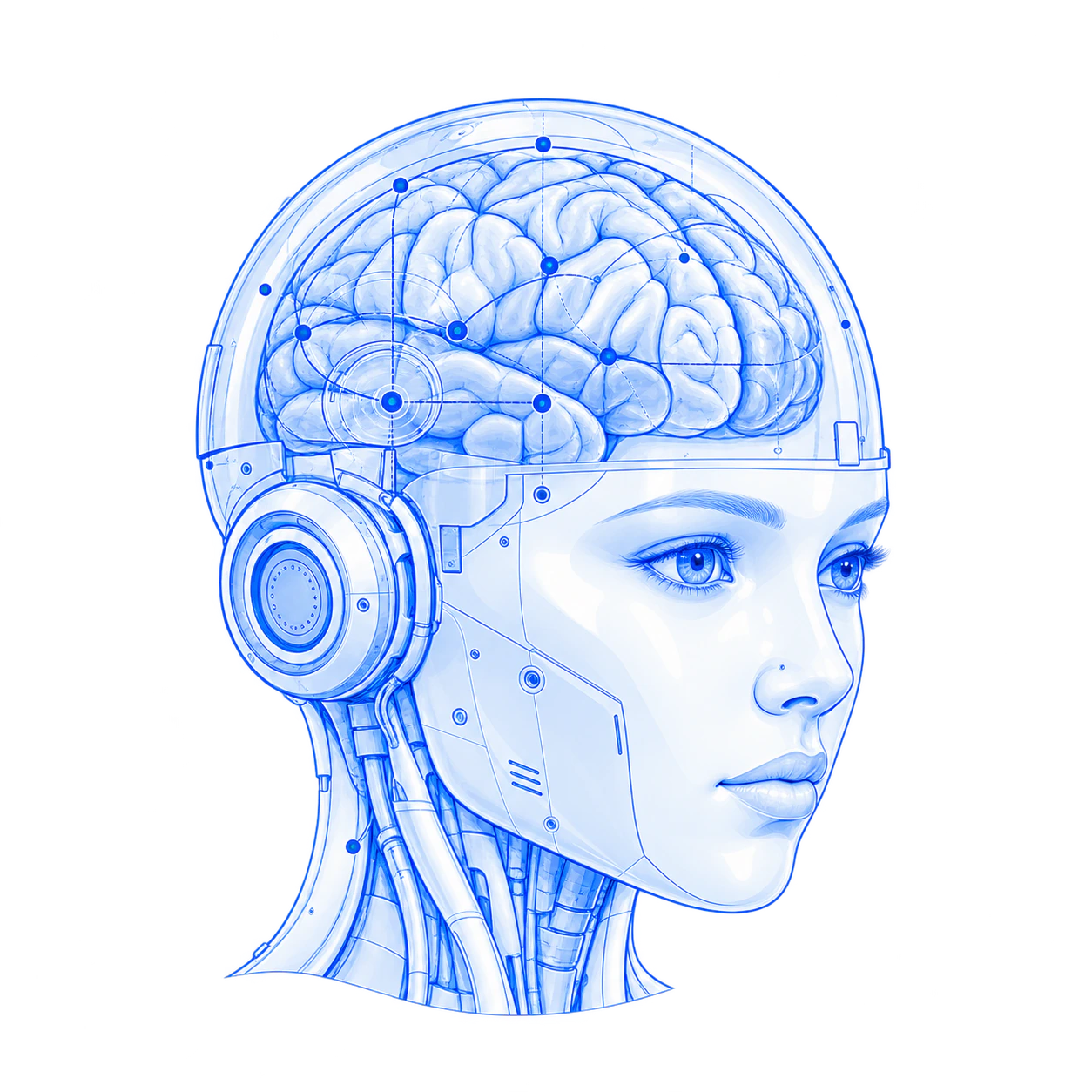
Drawing of a robotic head with a visible blue brain and fine network lines
From a useful idea to everyday use.

AI workflow automation in practice

AI automation in everyday work.

Start with one process your team knows well. Connect the steps, then decide where AI is useful and where a person stays involved.

01 / Sales operations

Turn a reply into a clear next step.

A prospect replies. The system identifies the intent, prepares a response and keeps the sales tools connected.

  1. Read the reply
  2. Classify the intent
  3. Draft or route for review
  4. Update the CRM

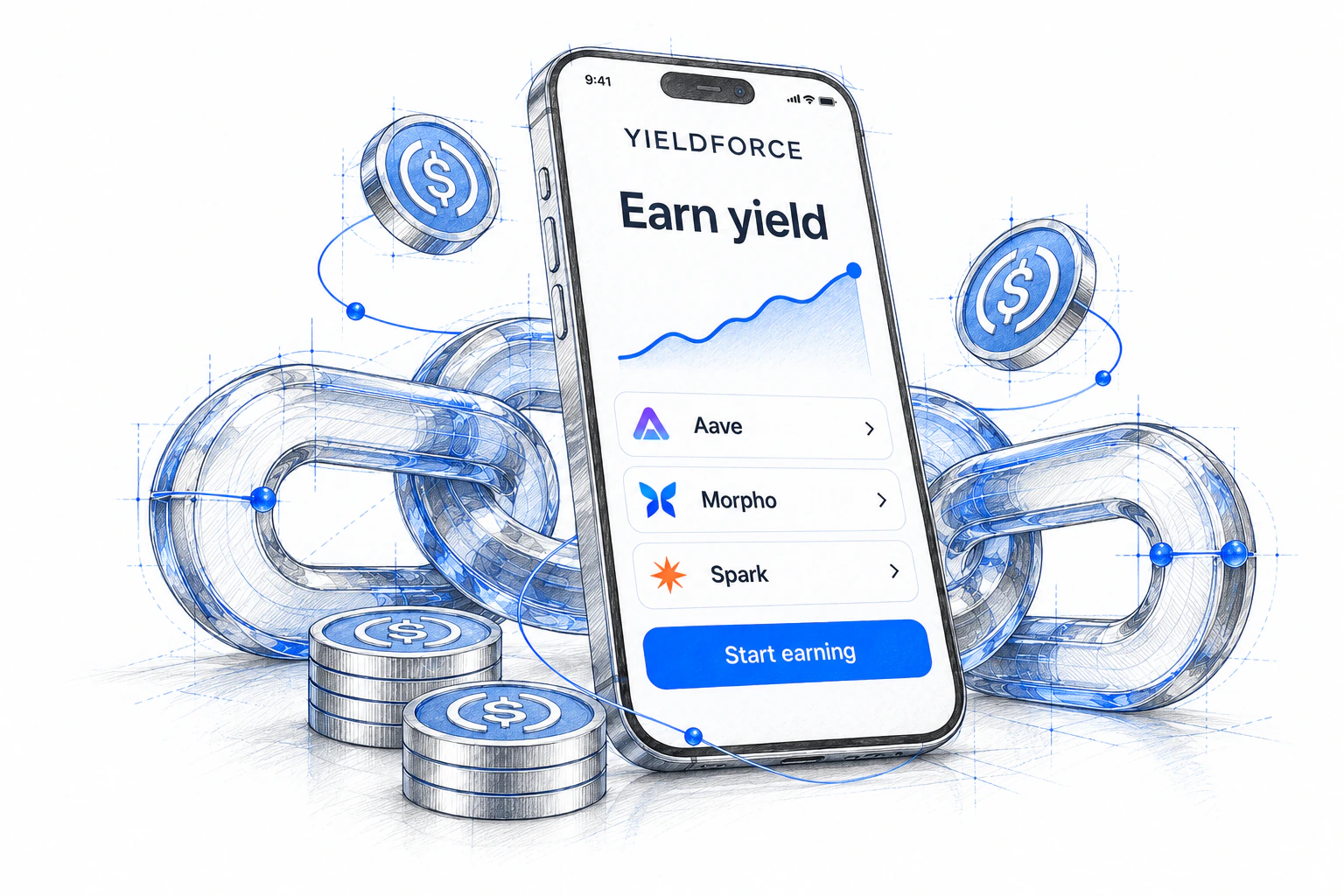
AI Sales Platform connects Apollo, Instantly, Attio and Cal.com. In dry-run evaluation, it classified real replies and drafted responses without sending them automatically. That let us review its decisions against real conversations.

Explore AI Sales Platform
02 / Everyday coordination

Move from a message to an approved action.

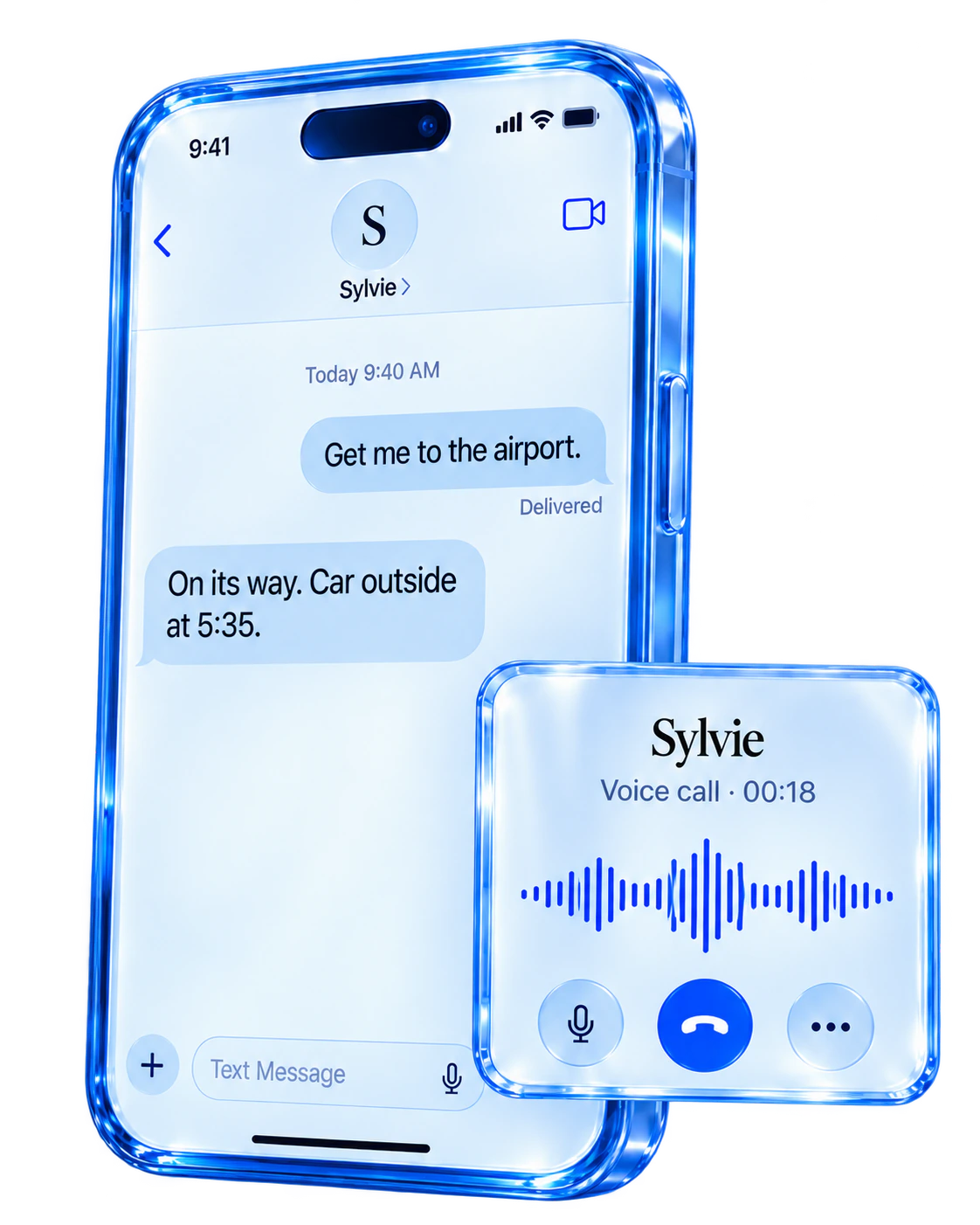
A person asks for help by text. The assistant prepares an email or calendar action and makes the next step visible before it acts.

  1. Receive the request
  2. Gather the context
  3. Prepare the action
  4. Ask for confirmation

Sylvie connects SMS and WhatsApp with email and calendar tools. Draft-first email and confirm-first actions keep the user in control. It is a VTS venture, currently in beta.

See how Sylvie handles approvals

Applied AI engineering

AI we’ve built.

Explore our work

An AI advisor inside a financial platform, a personal assistant and a sales workflow. Each example shows the scope we built and its current stage.

Discuss a workflow with us

What we build

AI agents, integrations and automation.

Focused capabilities that work together with your product and your team.

AI agents & assistants

Build assistants that retrieve information and use tools across your systems. Define which actions they can take, which need approval and when to hand the task to a person.

Tool use · Human approvals · Multi-step workflows

Generative AI & retrieval

Answer questions using approved documents and data. Define access boundaries and test whether each response is supported by its sources.

Knowledge retrieval · Evaluation · Access controls

Workflow automation

Move work between applications with triggers, approvals and updates. Use rules for predictable steps and AI to interpret varied messages and inputs.

Process mapping · Integrations · Exception handling

AI integration & evaluation

Add models to your product through the interfaces it already supports. Test real inputs, failure cases and permissions before rollout.

Model selection · Quality testing · Monitoring

How we deliver

A clear path to production.

How we work
01

Define

Map one workflow with its owner: the inputs, tools, permissions, exceptions and outcome worth measuring.

Use case & success criteria
02

Validate

Test the riskiest step on representative examples. For a document assistant, check its answers against the source material.

Evidence before expansion
03

Integrate

Connect approved tools and data. Build in human review, retry behavior and a clear path when the system cannot finish.

A system built for your workflow
04

Improve

Review failures and feedback against the agreed criteria. Document who monitors the system and how changes are reviewed.

A practical iteration plan

Built to be understood

More than
a working demo.

Clear decisions, documented systems and a team that knows what comes next.

  • A prioritized use case and delivery plan
  • Architecture and integration documentation
  • Evaluation criteria and test results
  • A usable product with appropriate review controls
  • A handover and ongoing improvement plan

A few useful answers

Before we begin.

You don’t need to have every technical decision made.

Use rules when the steps and decisions are predictable. AI can help when a step involves interpreting varied messages, finding relevant information or drafting a response. Many workflows use both. We identify the part that needs AI rather than making every step depend on a model.

Let’s make the next step clear

Make AI useful.

Bring one workflow, the tools it touches and the result you need. We’ll work through the first useful step together.

Discuss your project